
Cuyahoga County Arrest Log Sources
The Sheriff's website posts no fixed 72-hour, seven-day, or rolling arrest log. Instead, the official Inmate Information page points readers to the Cuyahoga County Sheriff OH app for daily jail rosters and lists booking-desk contacts. The app answers one question: who is in custody now. It is not a dated archive of arrests made by Cleveland, Parma, Lakewood, or other police agencies.
So a multi-day search sorts people by custody state. Still held at the Corrections Center? The app may list them. Released before a roster check? Then the arresting department holds the record. A municipal jail booking works the same way. Once a case is filed, the municipal court or the Cuyahoga County Common Pleas docket picks up the later events. A blank county-app result never proves that no arrest occurred.
Read Cuyahoga County Arrest Records
Start with the newest custody source. Then work toward the record keeper. That order covers several days without pretending Cuyahoga County runs a countywide blotter. Note the date and time of each search. An active roster changes after a release or transfer. For a very fresh booking, the 24 Hour Arrests page covers the same-day confirmation path.
- Open the official Sheriff inmate-information doorway and follow its current app link. Check the daily roster for county custody.
- Identify the arresting agency and likely booking site. A Cleveland police report and a CCCC jail record are separate records, even when they concern the same event.
- Check an official municipal source. Lakewood's Daily Bulletin can be filtered by date and the AR Arrest event type; Cleveland supplies incident data and police-record requests, not a booking feed.
- Search the proper court docket for filings and disposition. Booking charges can be amended, reduced, dismissed, or replaced after review.
- Request records for a defined date span when an entry has rolled off. Ask for the arrest report, booking sheet, charge list, booking image, release record, or nonexempt portions needed.
Cuyahoga County takes public-records requests without any special form. You need not state your identity or intended use. A short written request still helps. It fixes the date range and the records you want, and narrow terms like a full name, birth date, agency, or booking number cut down wrong-person matches.
Cuyahoga Arrest Log Field Guide
Fields depend on the source. The Sheriff app reports a public subset of data, Lakewood's bulletin describes city events, and Cleveland's incident data reflects reported crime, not jail admission. Blank fields stay blank. Never fill them by inference.
| Field | Meaning and limit |
|---|---|
| Name | Documented in Sheriff app reporting. Match the exact spelling and use another identifier when possible. |
| Booking date or entered time | An intake timestamp, not necessarily the time of arrest or incident. |
| Charges | Charges recorded at booking. They are not a conviction or final court result. |
| Booking photograph | Reported as an app field. The county web page has no photo gallery, and not every city event source supplies an image. |
| Age, race, gender | Reported app descriptors that can help distinguish similar names but do not prove identity by themselves. |
| Agency, court, bond, disposition | Not confirmed as universal public app fields. Obtain them from the arrest report, release desk, or court docket. |
The public app description mentions no booking number or facility history. It lists no court date or arresting agency either. The booking desks can clarify a current county admission. For a final result, turn to the Clerk or municipal court. An arrest entry stops at booking; the court record carries on.
Delayed Cuyahoga Arrest Entries
An arrest, transport, booking, photo processing, and data entry are separate steps. Each step adds delay. The Sheriff app reportedly refreshes hourly. That cadence is not a promise. A new arrest can lag behind it. A city arrest may stay in a municipal process, move to the Cuyahoga County Corrections Center later, or end in release before any county roster search. Weekends and holidays close records counters while automated systems keep refreshing.
Need urgent custody confirmation? Call a booking-information desk at 216-698-4820, 216-515-8348, or 216-698-6430. The county FAQ also lists a Release Desk at 216-443-6150. These lines answer whether someone is held now or already released, a different question from a historical blotter. For the wider lookup sequence and county roster context, use the Cuyahoga County recent arrests hub.
Note: Save the access time with any result, because a current roster changes and serves as no archive of prior custody.
Cuyahoga Arrest Archives and Retention
The Sheriff publishes no stated retention period for booking sheets or booking photographs. No schedule appears on the site. When an entry rolls off the app, release or transfer may explain it. So may a roster filter or a platform change. None of that means the record was destroyed. Ask the Sheriff records custodian for the schedule. It should cover booking records, images, jail rosters, release records, and app data.
For a nonexempt Sheriff record outside the display window, start at the county public-records portal. Ohio law makes current retention schedules available and requires release of nonexempt portions when feasible. The county code permits oral requests. A precise written one gives a cleaner audit trail. If part is withheld, ask for the cited authority and the remainder.
Older material takes a layered path. Ask the current Sheriff or city custodian first. Then check the Clerk or municipal court for a filed case and its disposition. The Cuyahoga County Archives may identify transferred county series. Its published pages mention no current mugshot collection. Cleveland's retention rules bind only Cleveland. Do not stretch them to Sheriff, Parma, or Lakewood records.
Note: A court schedule says nothing about Sheriff retention. It does not govern a jail roster, booking sheet, or booking photograph.
Municipal Arrest Logs Differ
Lakewood has the easiest municipal blotter to use in Cuyahoga County. Its Police-2-Citizen Daily Bulletin lets you pick a date. You can filter by event type, including AR Arrest. Print and export buttons sit right on the screen. One caution applies. The portal notes that some events take time to appear. It also covers only Lakewood police events, not every Cuyahoga County booking. It shows no booking photo field.
Cleveland went a different route. The city's Open Data portal posts a crime-incidents dataset. It refreshes each morning near 8:00 a.m. Cleveland calls it incident data rather than a jail or arrest feed. Parma offers a search for certain recent police reports. Search by report number, date, street, or last name. That tool is not a booking roster either. Each city hands you a different slice of the record. For episodic local arrest coverage, the Cleveland 19 crime section fills a different role:
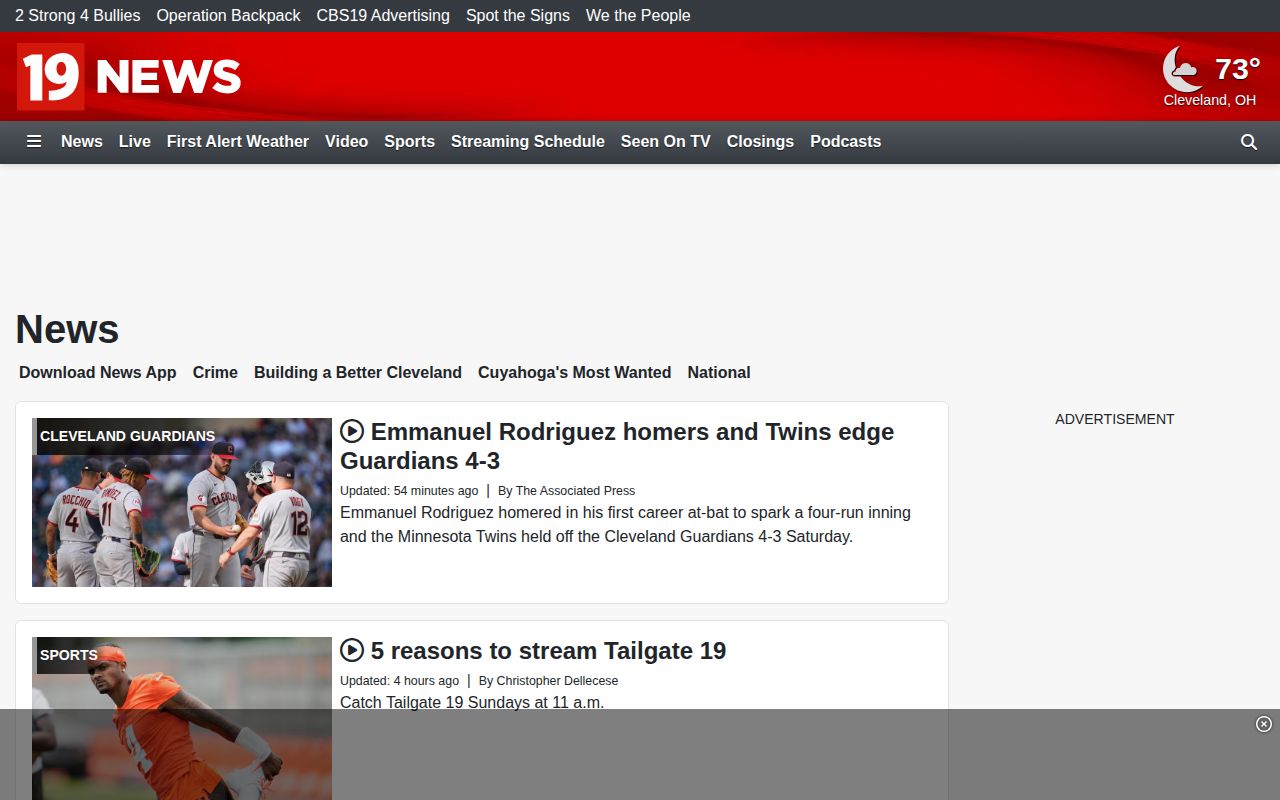
The stories there may include police-supplied images, but the section is not an official booking log.
Cuyahoga Arrest News Context
A newsroom can explain a major operation, a jail policy shift, or a court development. No single booking row ever could. News 5 runs investigations into the Cuyahoga County jail. Spectrum News 1 covers Cleveland-area government and reported on the Sheriff app rollout. Cleveland 19 handles daily crime plus a recurring most-wanted feature. All three remain secondary sources. Coverage is selective. Photos match the story at hand. An older article may not reflect a later dismissal or sealing. The Spectrum News 1 Cleveland section works as a news route, not a roster:
Stories are one thing. The Cuyahoga's Most Wanted news feature shows where that line sits:
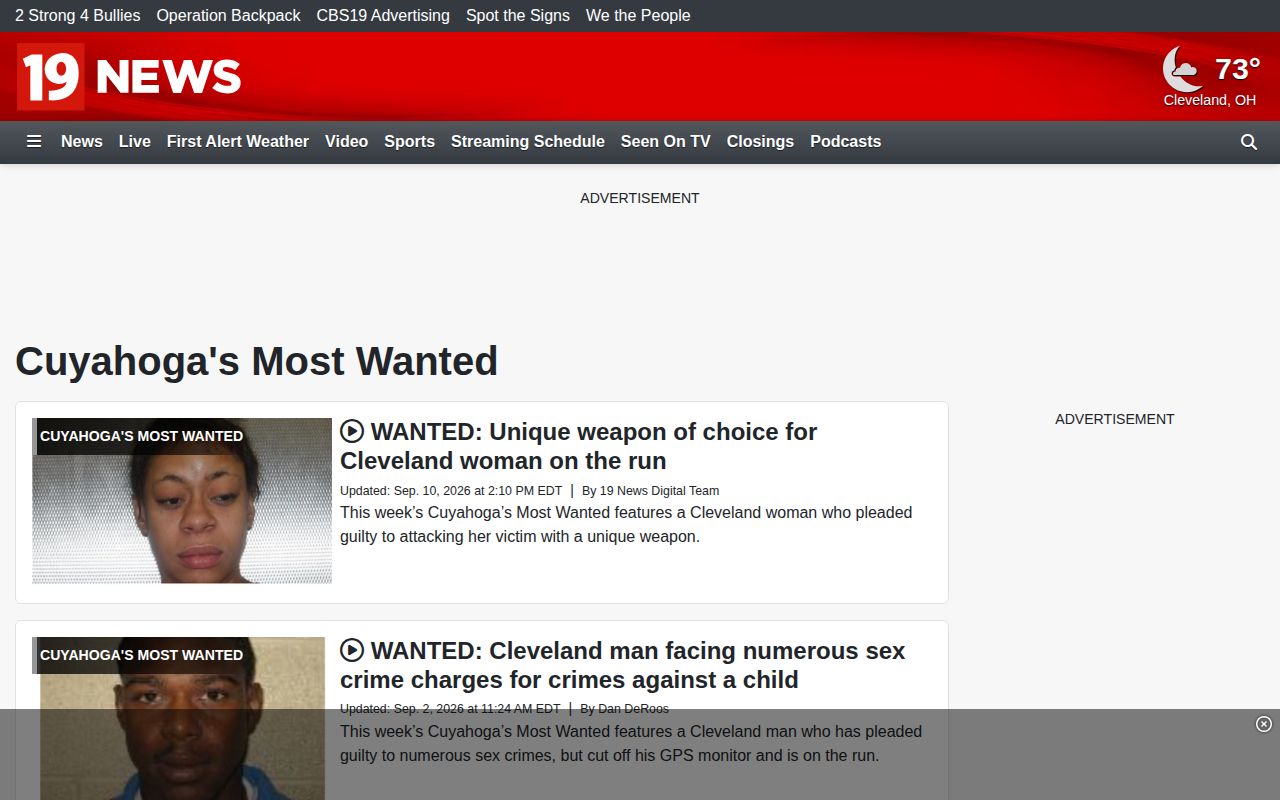
It is journalism, not the Sheriff's official warrant list. Any warrant must be confirmed with the court or law enforcement.
Public Record Search
Sponsored Results